
Start Day Safely | Digital Signage Template for manufacturing
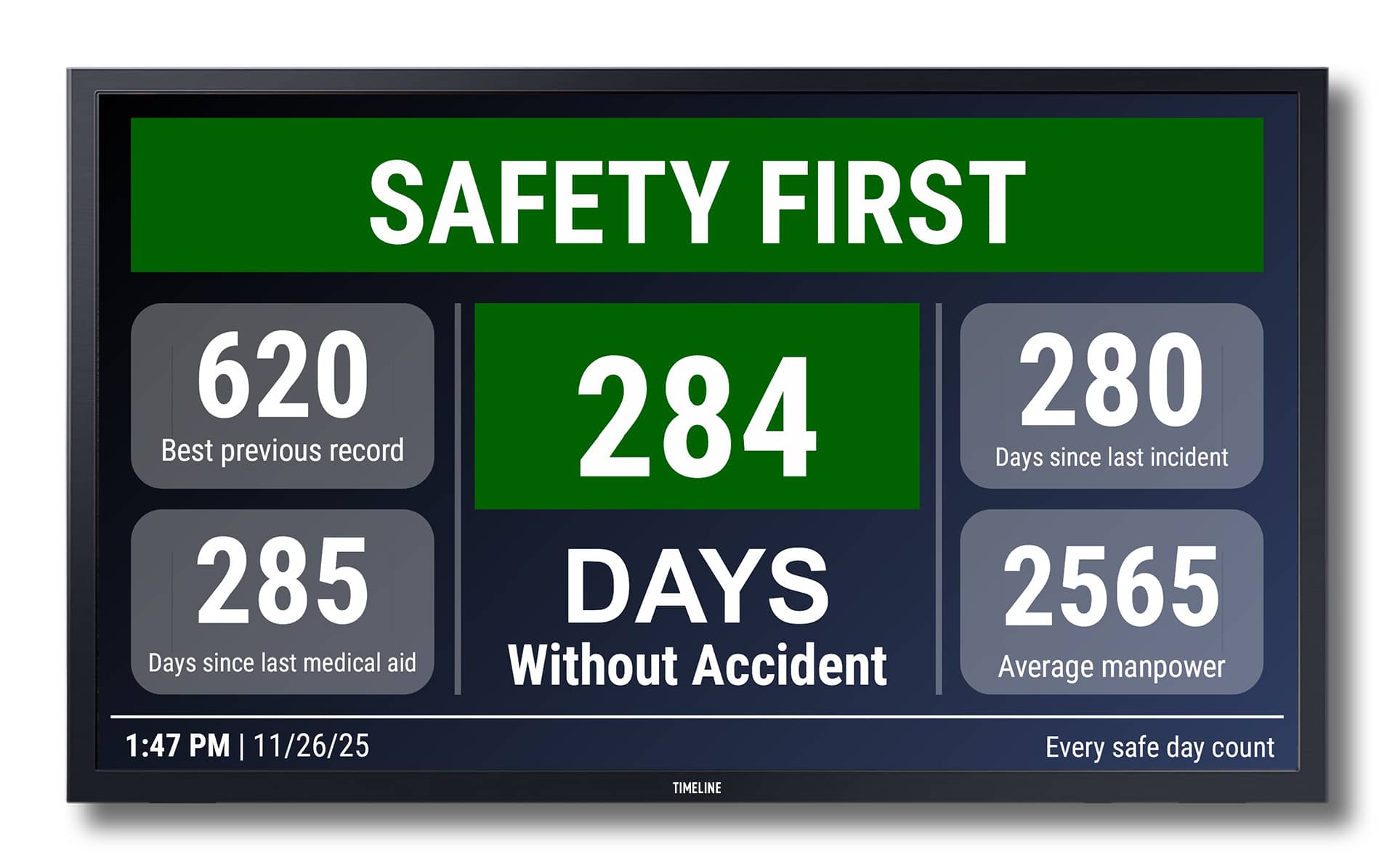
Features Editable Fields: Any text Discount Highlight: Visually showcase special offers or membership benefits. Clear Layout: Large, readable typography with color coding for ticket categories. Multilingual Option: Can be adapted to show information in multiple languages. Animation (Optional): Subtle slide-in or fade effects for data changes or offers. Branding Ready: Easily add your logo and brand colors. Easy to Customize High Resolution Clean & Minimal Design 100% Vector Formats Available: 16:9 (landscape) Compatible platform: SpinetiX DSOS. What is included Two board designs 16:9 (landscape). Fonts: Roboto No physical items will be shipped due to the nature of being a digital product. Editable Elements Text Colors and background images Fonts How it Works This template is fully compatible with SpinetiX Elementi and SpinetiX ARYA Enterprise, and is designed for easy customization and live data integration. 1. Ready-to-Use Elementi Project Download the ZIP archive, unzip it, and open the project folder in Elementi. All layers, styles, and animations are pre-configured. 2. Customization in Elementi Easily change logos, fonts, colors, text, images, and animations using Elementi’s visual editor — no coding required. 3. Use in SpinetiX ARYA Enterprise This template can also be used within the SpinetiX ARYA Enterprise platform. You can upload the Elementi project ZIP to ARYA and deploy it to your players via the cloud. �� How to use Elementi projects in SpinetiX ARYA → 4. Playback Compatible with all SpinetiX players (e.g., HMP or iBX Series) for 24/7 continuous operation in environments such as museums, exhibitions, and ticket offices. After you purchase Download the ZIP archive from the link provided after checkout or in your confirmation email. Unzip the archive on your PC computer. Inside, you’ll find: – Your Elementi project folder ready to use. – A PDF guide with detailed setup instructions and customization tips. Open the project in Elementi (ensure Elementi is installed). Customize text, images, or data sources as described in the PDF.