Digital Safety Scoreboard – “Days Without Accident” | Advanced Data-Driven Templates for manufacturing
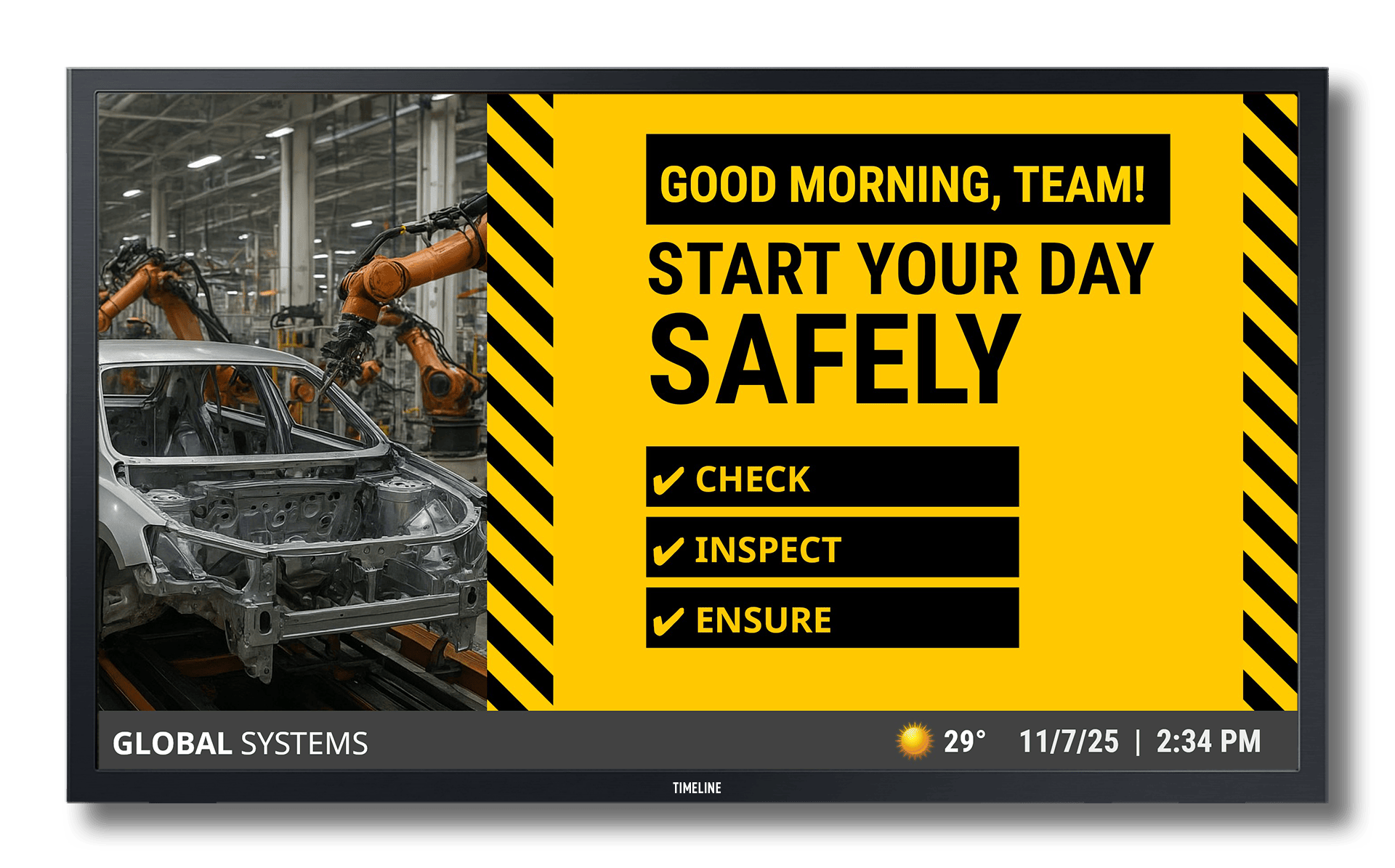
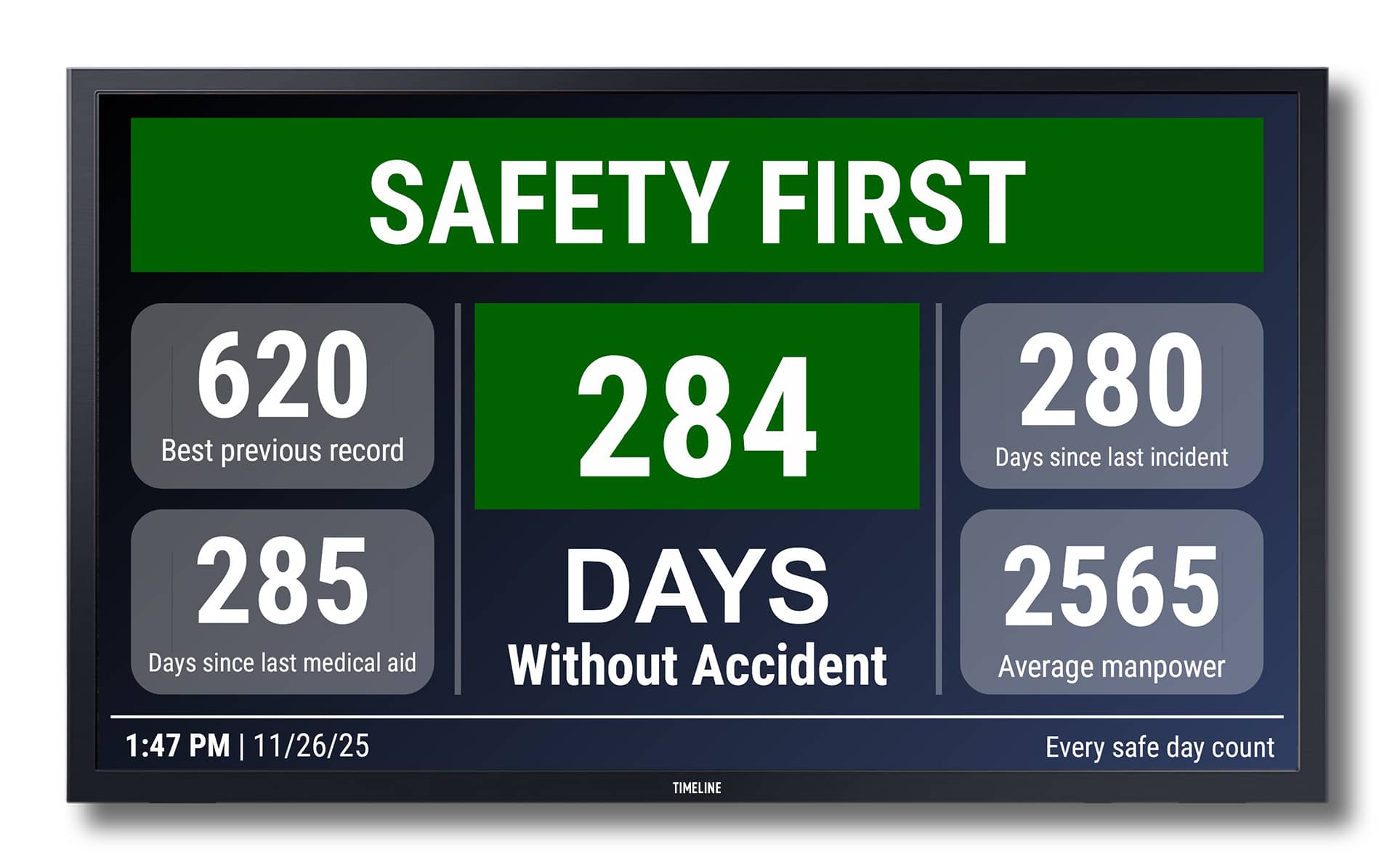
Real-Time Safety Metrics This SpinetiX template displays essential safety KPIs: Days Without Accident (auto-incrementing) Best previous record Days since last medical aid (auto-incrementing) Days since last incident (auto-incrementing) Average manpower Customizable “Safety Tips of the Day” (text ticker) All data can be updated manually or integrated with existing systems. Features Editable Fields: Update data easily for Days Without Accident, Best Previous Record, Days since last medical aid, Days since last incident, Average manpower, Message Ticker Multilingual Option: Can be adapted to show information in multiple languages. Animation (Optional): Subtle slide-in or fade effects for data changes or offers. Branding Ready: Easily add your logo and brand colors. Easy to Customize High Resolution Clean & Minimal Design 100% Vector Formats Available: 16:9 (landscape) Compatible platform: SpinetiX DSOS. Integrations This template can be integrated with: EHS management platforms OSHA reporting tools Smartsheet / Google Sheets / Excel sources Internal APIs or JSON/CSV feeds On-site safety management systems What is included Two board designs 16:9 (landscape). Fonts: Roboto No physical items will be shipped due to the nature of being a digital product. Editable Elements Title Data categories (Days Without Accident, Best Previous Record, Days since last medical aid, Days since last incident, Average manpower, Message Ticker) Colors and background images Fonts How it Works This template is fully compatible with SpinetiX Elementi and SpinetiX ARYA Enterprise, and is designed for easy customization and live data integration. 1. Ready-to-Use Elementi Project Download the ZIP archive, unzip it, and open the project folder in Elementi. All layers, styles, and animations are pre-configured. 2. Live Data This template is data-driven — it means the content is dynamically populated from an external data source instead of static text. The Table.svg widget included in the template supports a variety of data formats and sources, including: Google Sheets (published as CSV) Microsoft Excel Online (shared as CSV) Remote CSV files (public URLs) JSON feeds XML feeds Local CSV/JSON/XML files (when used in Elementi) SpinetiX DSOS API and HMP internal feeds (for advanced users) Dynamic content such as ticket prices, opening hours, or event names is automatically updated from a live data source. In this template, data is loaded from a Google Sheets document, published as a CSV file. Example data source: �� Google Sheet CSV Just replace the link with your own .csv file (Google Sheets, Excel, or online source) to enable real-time updates. 3. Customization in Elementi Easily change logos, fonts, colors, text, images, and animations using Elementi’s visual editor — no coding required. 4. Use in SpinetiX ARYA Enterprise This template can also be used within the SpinetiX ARYA Enterprise platform. You can upload the Elementi project ZIP to ARYA and deploy it to your players via the cloud. �� How to use Elementi projects in SpinetiX ARYA → 5. Playback Compatible with all SpinetiX players (e.g., HMP or iBX Series) for 24/7 continuous operation in environments such as museums, exhibitions, and ticket offices. After you purchase Download the ZIP archive from the link provided after checkout or in your confirmation email. Unzip the archive on your PC computer. Inside, you’ll find: – Your Elementi project folder ready to use. – A PDF guide with detailed setup instructions and customization tips. Open the project in Elementi (ensure Elementi is installed). Customize text, images, or data sources as described in the PDF.